Customisable GST invoices
Choose GST 5%, 12%, 18% or 28% per invoice, include your GSTIN, and add your business logo for a professional look.
💯 Free forever 🪟 Windows desktop ☁️ Optional cloud
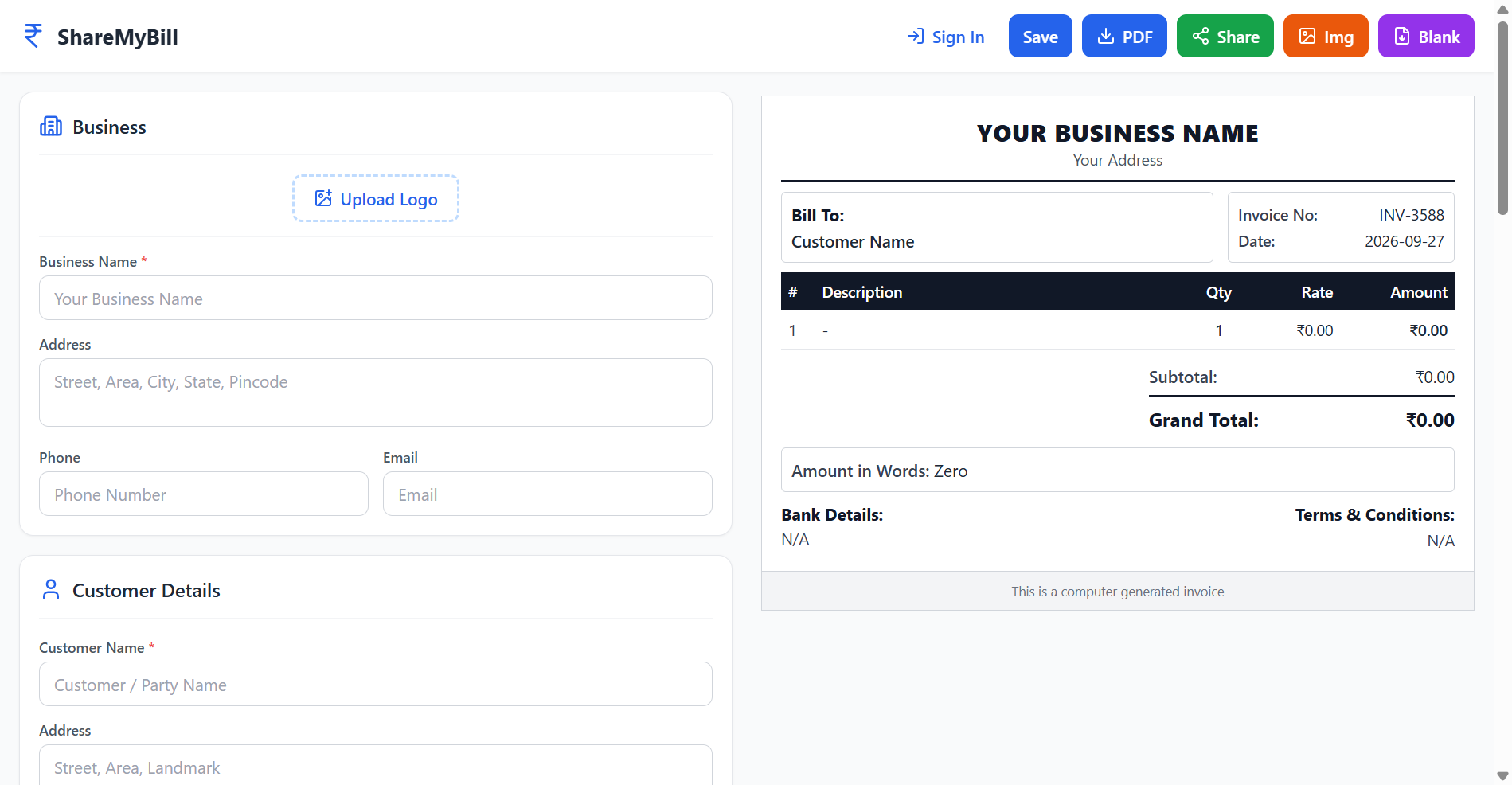
ShareMyBill is a free invoice generator for Indian small businesses. Pick GST slabs, add items with quantities and units, and export a clean print-ready PDF. Works online in your browser, and fully offline on your Windows PC.
✨ Features
The same feature set in both the web app and the Windows desktop app — pick the one that fits your day.
Choose GST 5%, 12%, 18% or 28% per invoice, include your GSTIN, and add your business logo for a professional look.
Add items line by line with quantity, price and measurement units like kg, pcs, boxes or your own custom unit.
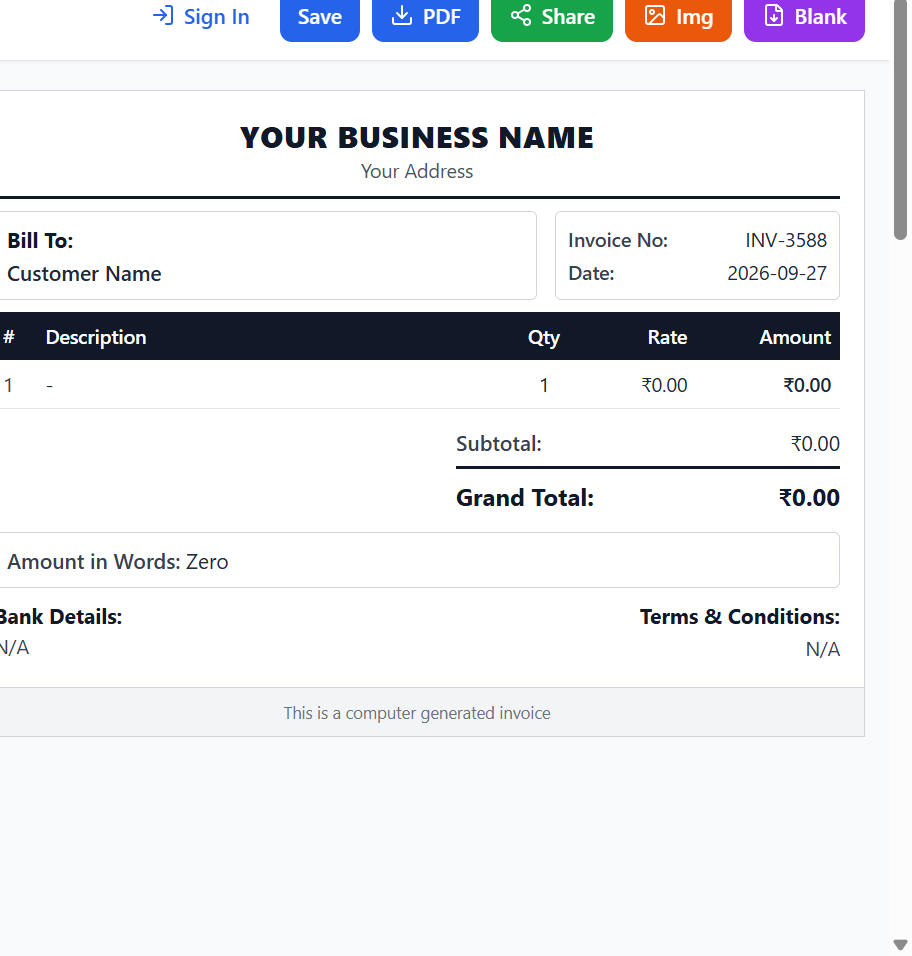
Download any invoice as a clean PDF with amount-in-words spelled out — ready to print or email to customers.
Your work-in-progress invoice is saved as you type. Close a tab by accident? Pick up right where you left off.
Create a share link instead of an attachment and send one invoice to many people — handy for quotes and follow-ups.
No caps, no invoice counters, no upsells. Create as many invoices as your business needs.
👥 Built for
Print counter invoices in seconds without paying for a billing software.
Bill coaching fees with GST and keep dated records for every student.
Send clean, brand-stamped invoices for every client project — from your laptop or PC.
Quote with quantity, unit and GST, then print the final bill; all offline on your work PC.
🌐 Web App
The web app runs on any modern browser — Chrome, Edge, Firefox or Safari. Nothing to install and nothing to update; it just works on any computer, phone or tablet.
🪟 Desktop App for Windows
Prefer a real application on your machine? The desktop app runs completely offline. All your invoices live in a local SQLite database in your own Documents folder — no cloud, no tracking, nothing leaves your PC unless you share a link.
Documents\BillingAppAlso available directly from the GitHub releases page.
🪟 How to install
Windows 10 or Windows 11 (64-bit). No internet needed after installation.
Grab ShareMyBill-Setup-1.0.1.exe (~116 MB) from the GitHub release page.
Windows may warn “Windows protected your PC”. Click More info → Run anyway — the app isn't code-signed yet, but it's safe and open-source.
Choose an install folder (the default is fine) and finish the wizard. Shortcuts are added to your Start menu and Desktop.
Open ShareMyBill, add your business details and logo, and create your first GST invoice — completely offline.
No install needed. Download ShareMyBill-win32-x64.zip, extract it anywhere, and run ShareMyBill.exe directly.
Everything is stored in a local database at Documents\BillingApp. It stays on your PC and only leaves if you share an invoice link.
⚙️ How it works
Load the web app in your browser or install the Windows desktop app. No sign-up required to start.
Add your business details and logo, the customer, line items, quantities, units and the GST slab.
Download a print-ready PDF, copy a share link, or come back later — your draft is autosaved.
🔧 Built with modern, open technology
💬 FAQ
Yes. Both the web app and the desktop app are free forever — no plans, no trials, no invoice limits.
No. You can create and export invoices without any account. An optional free account adds cloud storage and sharing between devices.
On the web, drafts and data you don't sync stay in your own browser. If you sign in, your invoices sync to a secure Supabase database, while the desktop app lets you avoid that entirely by storing everything in a local SQLite file in your Documents folder.
The web app runs in your browser with optional cloud sync. The Windows desktop app runs fully offline and keeps all data on your own computer. Both share the same invoice editor, GST slabs and PDF export.
Yes — GST 5%, 12%, 18% and 28%, CGST/SGST split, amount-in-words in Indian numbering (lakh/crore) and a GSTIN-friendly invoice layout.
Yes. Add your logo image and save your business defaults, so every new invoice already has your brand on it.
ShareMyBill is built by Sai Bende. Reach out via GitHub, or see the project at Client-Side-Bill-Generator.
Free forever. No credit card. No sign-up needed to start.
Open the Web App Get the Desktop App